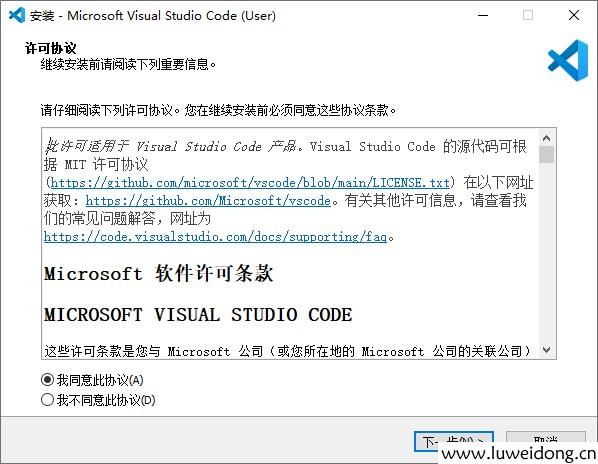
1、安装VS code
链接:Download Visual Studio Code - Mac, Linux, Windows
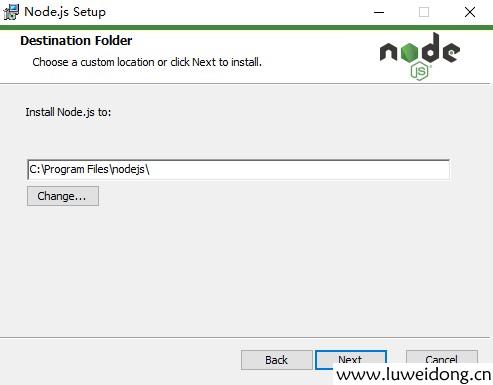
2、安装Node js
下载 | Node.js 中文网 (nodejs.cn)
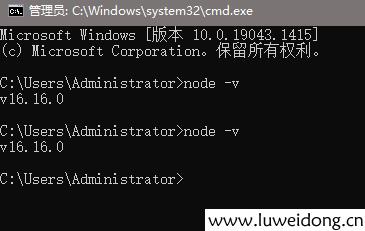
3、查看安装是否成功
打开cmd,分别输入node -v npm -v
4、设置镜像源
// npm设置新淘宝源
npm config set registry https://registry.npmmirror.com
// npm设置回本源
npm config set registry https://registry.npmjs.org
查看镜像源npm config get registry
// yarn设置淘宝源
yarn config set registry https://registry.npmmirror.com
// yarn 设置回本源
yarn config set registry https://registry.yarnpkg.com/
5、创建vue项目
在命令行输入:npm init vue@latest
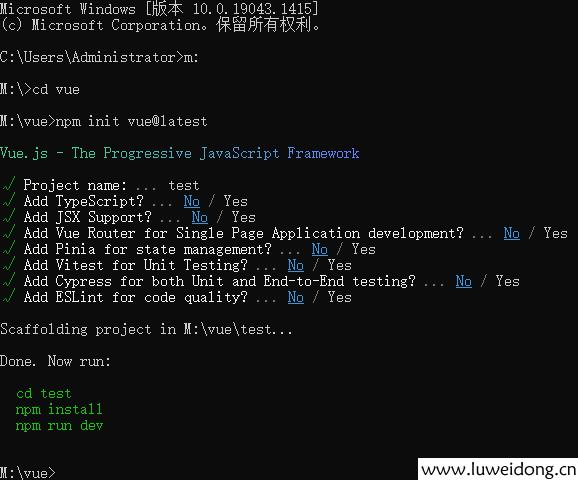
按提示依次输入:cd test,npm install,npm run dev
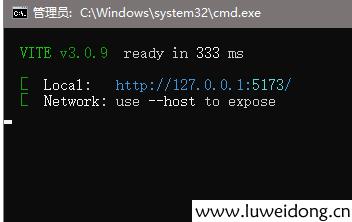
浏览器打开:http://127.0.0.1:5173/,浏览脚手架项目。